Tired of fumbling for the light switch when entering a dark house? A plug timer offers a simple way to automate your electronics, turning them on and off at set times. Regardless of the model, these devices are straightforward to set up. Follow the guide below, and you'll soon manage your appliances with ease.
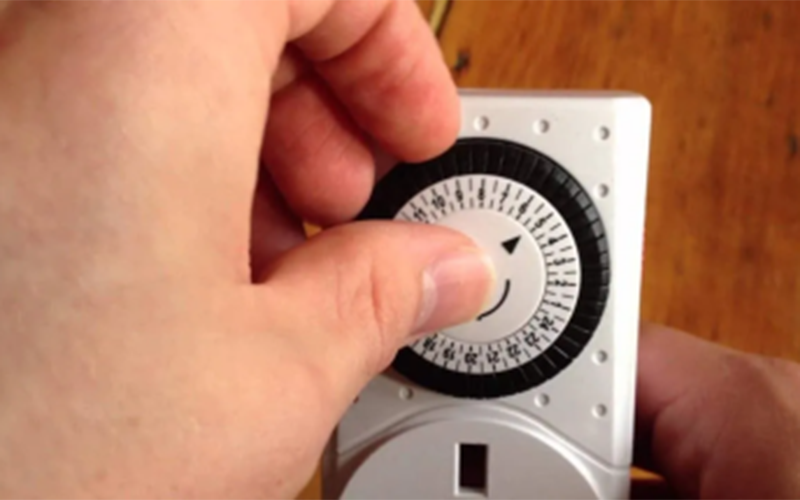
1. Adjust the dial to the present time.
Mechanical pin timers work both inside and outside. Locate the arrow on the dial and turn it clockwise until it aligns with the current hour. Since timers mark time in 30-minute segments, exact precision isn’t necessary—just ensure the arrow is close to the correct time.
(1)Setting the timer exactly on the hour can simplify alignment.
(2)Many timers include shaded areas or military time to differentiate between day and night.
2. Press down the pins for your desired “on” periods.
The small pins along the dial’s edge control the active intervals. Begin with all pins fully extended. For times when you want your device powered, push the pins inward within that duration. Leave pins up for “off” periods.
(1)If two pins represent one hour, each equals 30 minutes. Some models have four pins per hour, each for 15 minutes.
(2)If your timer uses removable pins, insert them into the inner ring for “on” times and the outer ring for “off.”
3. Switch the control to “Timer” mode.
A toggle switch, usually gray or white, is found on the top or side. Move it from “On” or “Off” to the “Timer” position. This enables the programmed schedule for your connected device.
(1)Use the “On” setting to manually override the timer, or “Off” to keep the device inactive.
(2)For outdoor use, position the timer at least 2 feet above ground to avoid moisture.
4. Choose an outlet near your appliance.
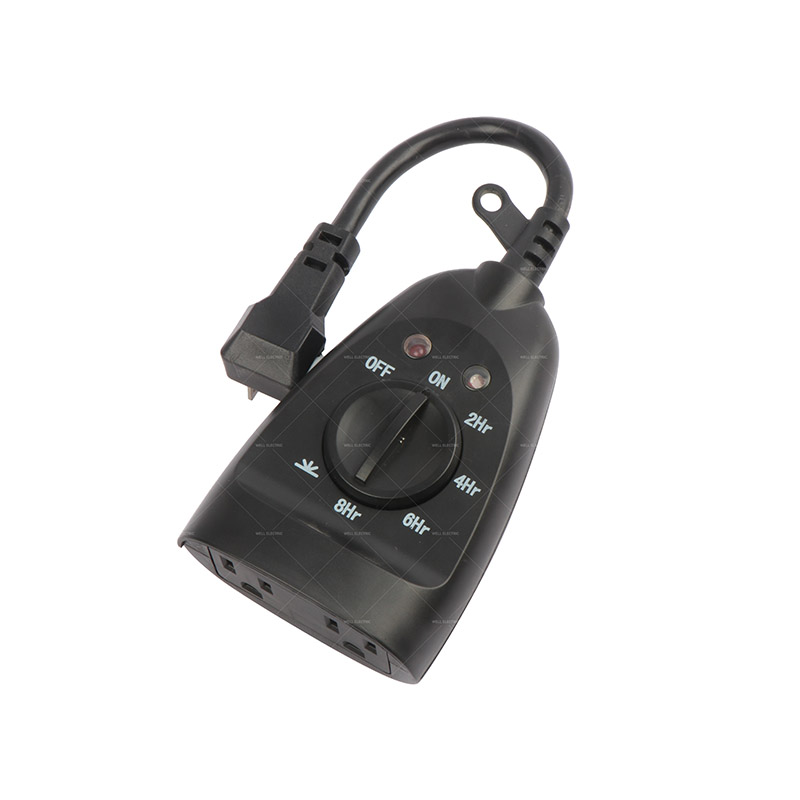
Pick the nearest socket to where your lamp or device is situated. Insert the timer directly into the outlet—avoid extension cords or adapters to prevent overheating.
5. Plug in your device and switch it on.
Connect your appliance to the timer’s socket and turn it on. This allows it to activate automatically according to your schedule.
(1)Do not use timers with high-power appliances such as heaters or irons.
(2)Verify that the device’s power requirements are within the timer’s rated capacity.
(3)Test the timer by setting the switch to “On”—if the device powers up, the connection is working.


 English
 中文简体
中文简体

 NO.565,South of Xihuan Rd,Yuyao City Zhejiang China.
 0086-574-62599999/62593088
 0086-574-62598888
 ryan.yu@nbwell.com